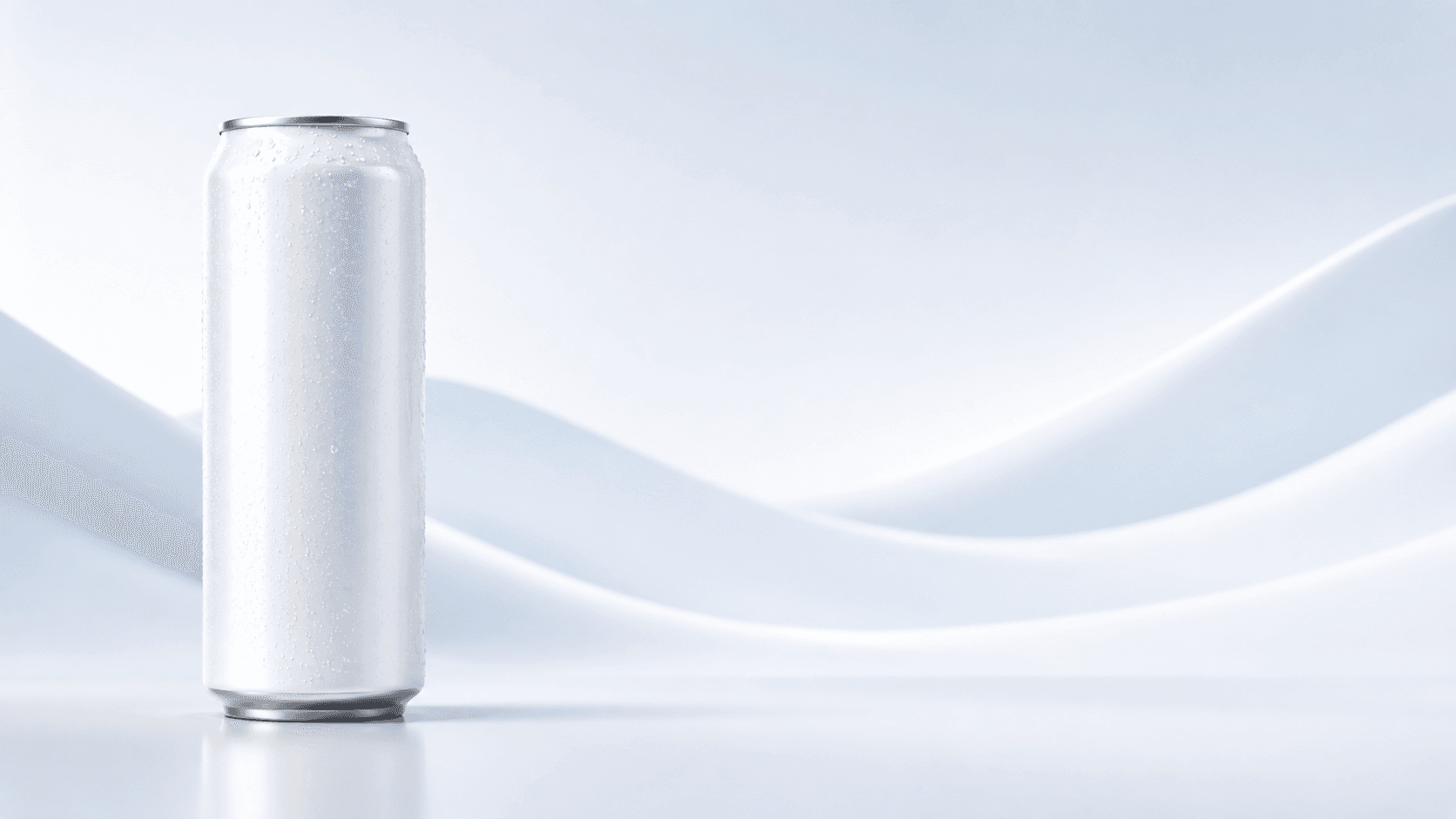
 12 oz slim
Artwork templates for digital can printing
File prep made easy for digital can printing
Ready to design your can? Download a We Can It template for your can size, follow the rules on the artboard, and submit without guesswork. Clean files keep production on schedule at our Miami facility, with quick turnaround and nationwide delivery.
Design templates by size
Three digital print artboards for the formats We Can It runs most: 12oz slim/tall, 12oz standard, and 16oz standard. Pick the silhouette that matches your program, then open in Adobe Illustrator (preferred) or prepare in Canva using the notes below.

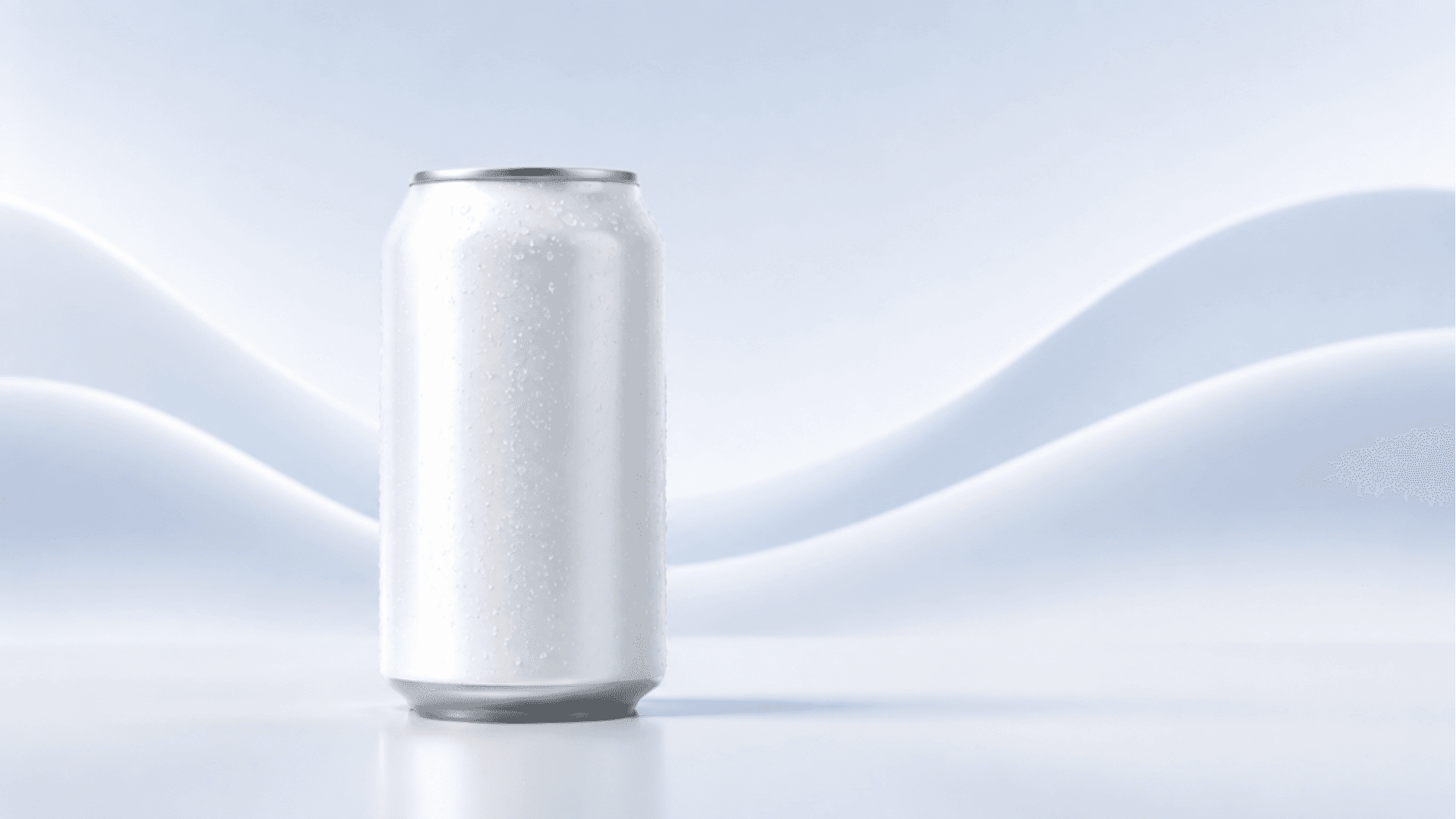
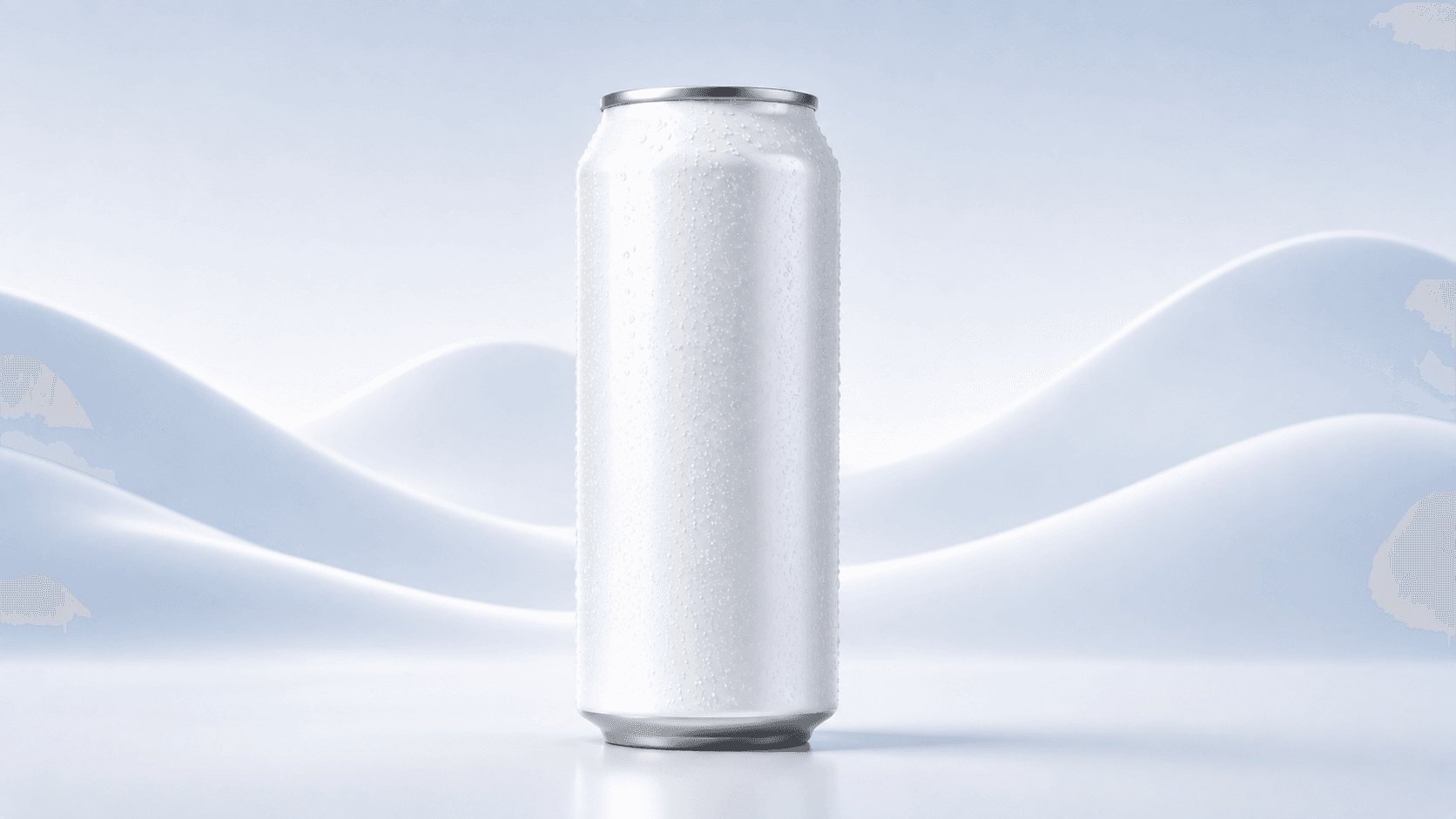
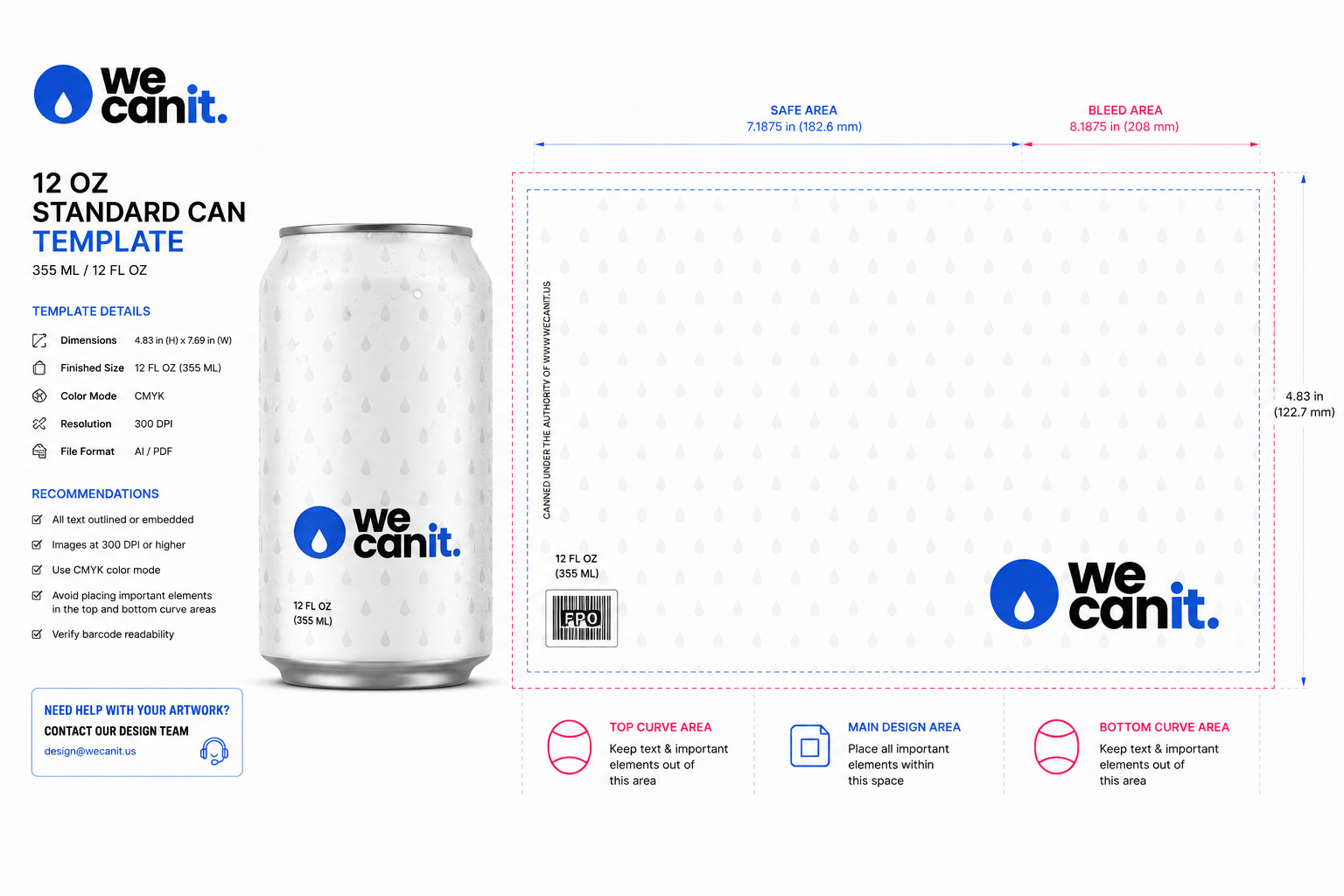
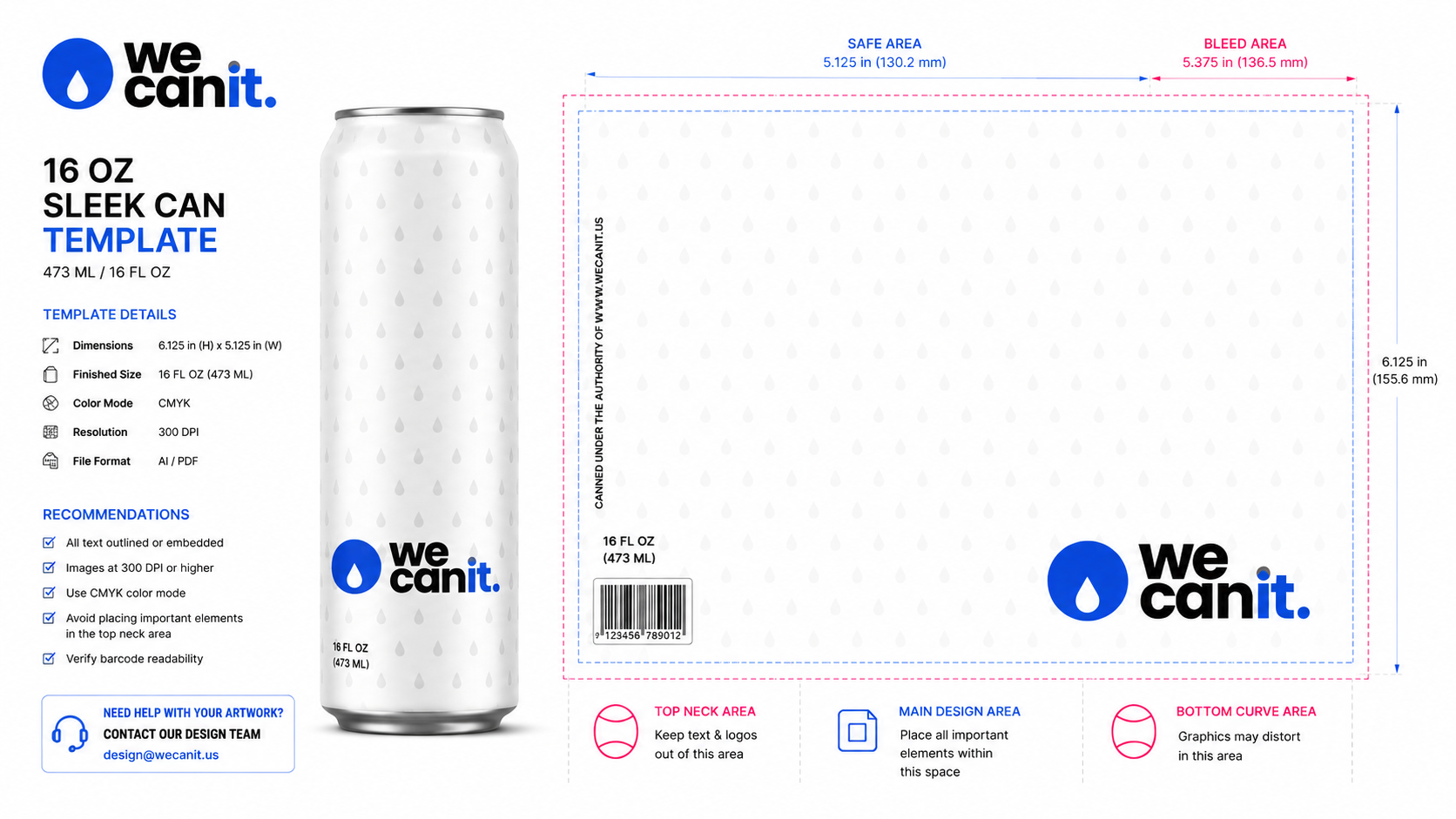
Swipe for more sizes
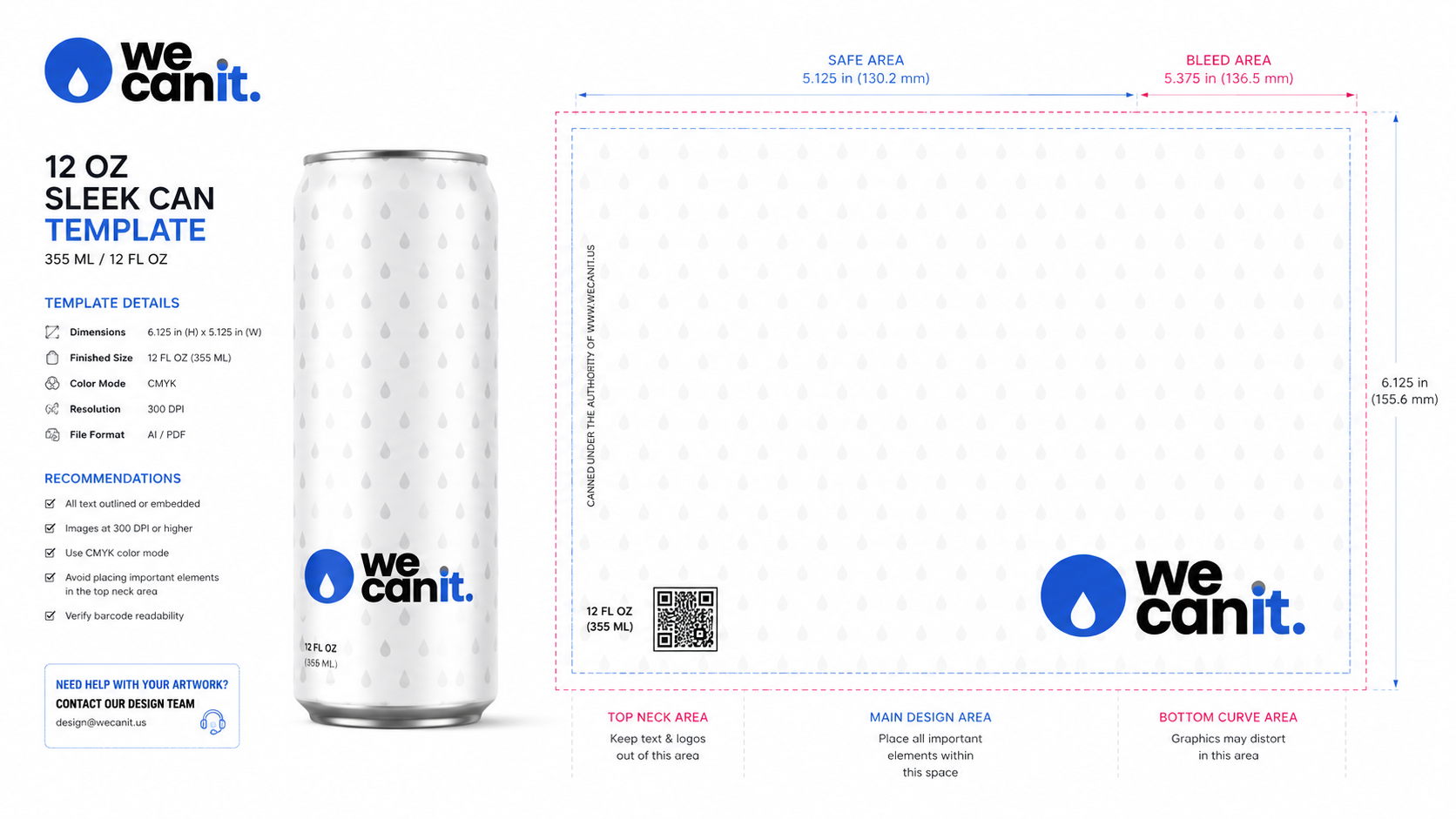
Each download is the official We Can It production artboard for digital print on aluminum (about 300 dpi class). The template itself carries the visual rules: top neck / warping zone, recommendations, and checklist. Follow it closely so proofs clear fast and we can move from art approval to Miami production without delay.
Adobe Illustrator (preferred)
Place or open the We Can It template artboard in Adobe Illustrator. Match the artboard size to the template dimensions. Build on the artwork layer and leave structural guides and the top neck / warping zone intact.
Create graphics
- CMYK only. Do not submit final art in RGB.
- Outline / vectorize all fonts and embed all images (Select → Object → All Text Objects, then Type → Create Outlines).
- Image resolution 300 to 800 DPI for photographic elements.
- For edge-to-edge coverage, extend graphics beyond the artboard. Do not add traditional crop marks or bleed UI. We print a full 360° wrap.
- Prefer vector logos and line work over raster where possible for the sharpest We Can It print.
Add finishes
- Gloss / matte overall: no special action required in the file for standard full finishes (confirmed on your quote).
- Selective gloss: copy gloss elements to a new layer or page and apply the template REF (gloss) swatch.
- Metallics: copy metallic elements to a new layer or page and apply the template METAL swatch.
Save as PDF
- Save as a High Quality Print PDF (Illustrator default print preset is fine).
- Save without crop marks or bleed settings.
- One SKU per PDF / one design per PDF. Multiple SKUs or artboards in one file may be rejected or delayed.
- Export so layer structure stays intact when the template uses finish layers.
Canva workflow
Canva is useful for concepting, but production digital can print is built for CMYK vector workflows. If your team designs in Canva:
- Download the We Can It template for your can size and note the artboard size (mm). Create a custom Canva canvas at the same aspect ratio at the highest quality available, or import the template image as a locked background guide.
- Keep critical logos and type large enough for the body (minimum about 5 pt equivalent on the final can) and avoid tiny type in the top neck / warping zone (about 7 pt minimum if anything sits there).
- Export as PDF Print or the highest quality PNG. Then have a designer place the export into the official Illustrator template, convert to CMYK, outline fonts, and re-export a single-page production PDF.
- Do not treat a Canva RGB export alone as press-ready for We Can It digital print. We will ask for a CMYK, template-based PDF before Miami production starts.
Recommendations (from the template)
- Barcode: black and white, vertical position. UPC-A should meet at least 0.85" height by 1.5" width when used.
- Body text size: minimum 5 pt.
- Top neck area / warping zone: inkjet focus is weaker near the neck. Keep the top ~4 mm empty on standard formats; use at least 7 pt type if you must place copy there. Avoid intricate detail and tiny characters.
- Graphics: avoid transparency effects that do not flatten cleanly.
- Orientation: heads-up; can code will be visible on the artboard margin of the template.
Top neck area / warping zone
Our digital printers use inkjet technology. The neck sits farther from the nozzle, so definition is less pronounced. For optimum print, keep small characters and intricate designs off the neck and on the main body wrap.
After you download
- Pick 12oz slim, 12oz standard, or 16oz and download the matching We Can It template above.
- Build art in Illustrator (or move Canva concepts into the template).
- Submit one single-page CMYK PDF per SKU with your quote or design session.
- We proof, then produce in Miami. Standard minimum is 21 cases (504 cans, 24 per case), with nationwide delivery.
Need help? Email sales@wecanit.us or review digital print vs label print and products.
Designer checklist
- ✓ Correct size template downloaded (slim / 12oz / 16oz)
- ✓ Artboard size unchanged; art on the correct layer
- ✓ CMYK; fonts outlined; images embedded
- ✓ Graphics extended past artboard; no crop/bleed UI
- ✓ Neck / warp zone kept simple (or empty)
- ✓ One SKU, one design, one page per PDF
- ✓ High Quality Print PDF for We Can It review
Ready to put
your brand on the can?
Design your can and get an instant quote in minutes.
Frequently Asked Questions
What is We Can It's minimum purchase order?
Our standard minimum is 21 cases, which is 504 cans (24 cans per case). That is far below typical 10,000-unit industry minimums, so you can run a single event or pilot without overcommitting. Use the instant quote calculator to price your mix.
How many cans are in a case?
How long does it take?
What water and can options are available?
How does pricing work?
Where do you produce and ship?
Already have a beverage ready to scale?
Curious if We Can It is right for you?
Let ChatGPT, Claude, Gemini, Grok, or Perplexity do the research. Click below to see what AI thinks about We Can It.